
Getting started
How to create a new admin user
Complete the Create a new admin request from this Help Centre and we'll set up their access.
What you'll need
- Your details. Your name, email address and organisation, so we can confirm when it is done.
- New admin's details. Their first name, last name and work email address.
- Client or team. The organisation or team they should be linked to, so they only see the right checks.
Send the request
- Open RequestsGo to the TalentClouds Help Centre home page.
- Choose Add a new userOpen the new administrator request.
- Complete the formEnter all requester, new admin and client or team details.
- Send your requestWe'll email you when the new admin is ready.
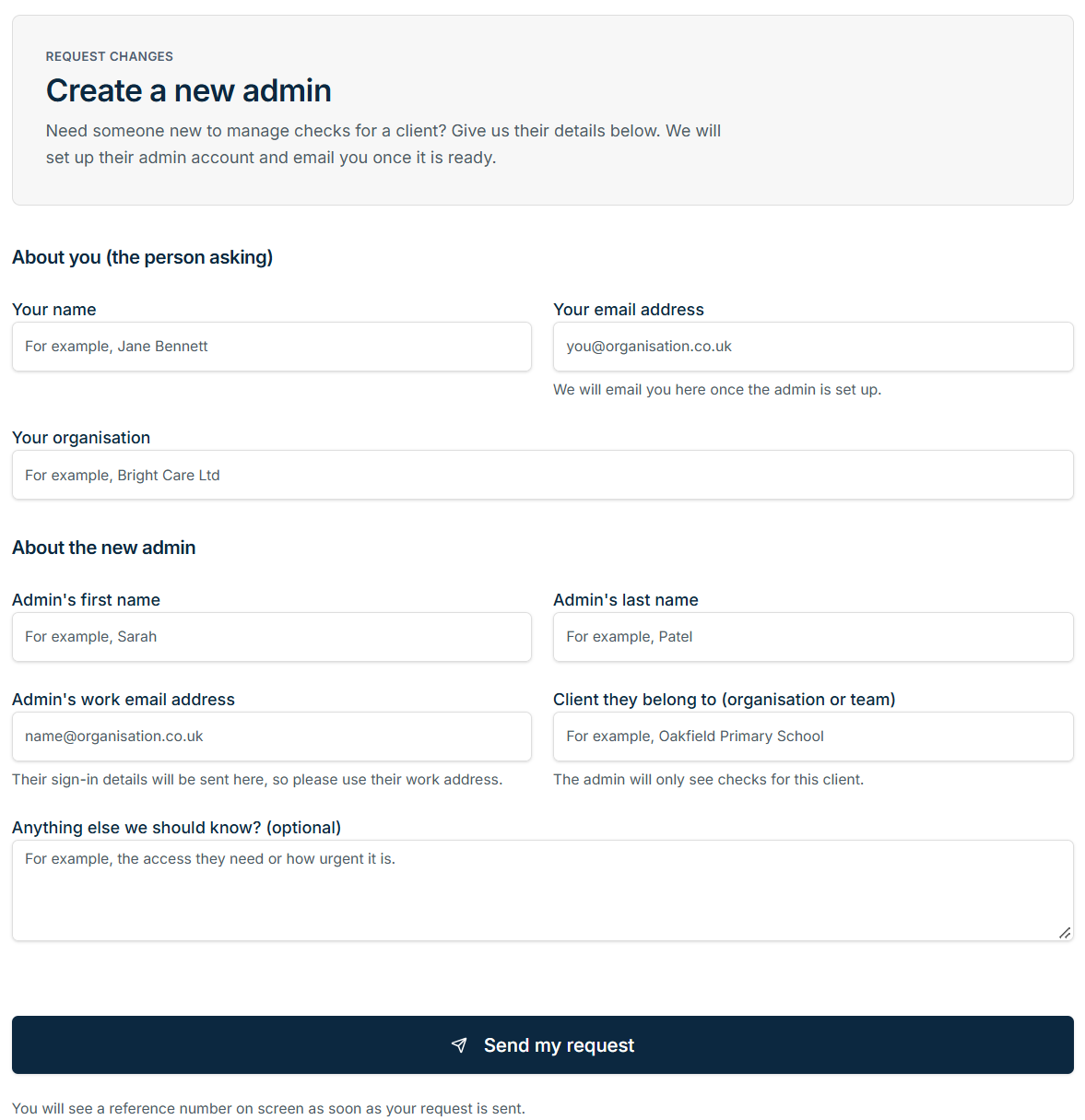
Use the new admin's work email and name the exact client or team they should be able to access.
Ready to go?
Was this guide helpful?