
DBS checks
How to request a DBS check
Before you begin, gather the applicant and role details you need so you can complete the request in one go.
Before you start
- Applicant. First name, last name and email address.
- Date of birth. If you do not know it, you can enter a placeholder such as 01/01/1990. The applicant will enter their actual date.
- Role title. Choose a clear title that explains what the applicant does, who they work with and where.
- Check details. Know the DBS level, any barred list, volunteer status, workforce and whether Section X66 applies.
Start the request
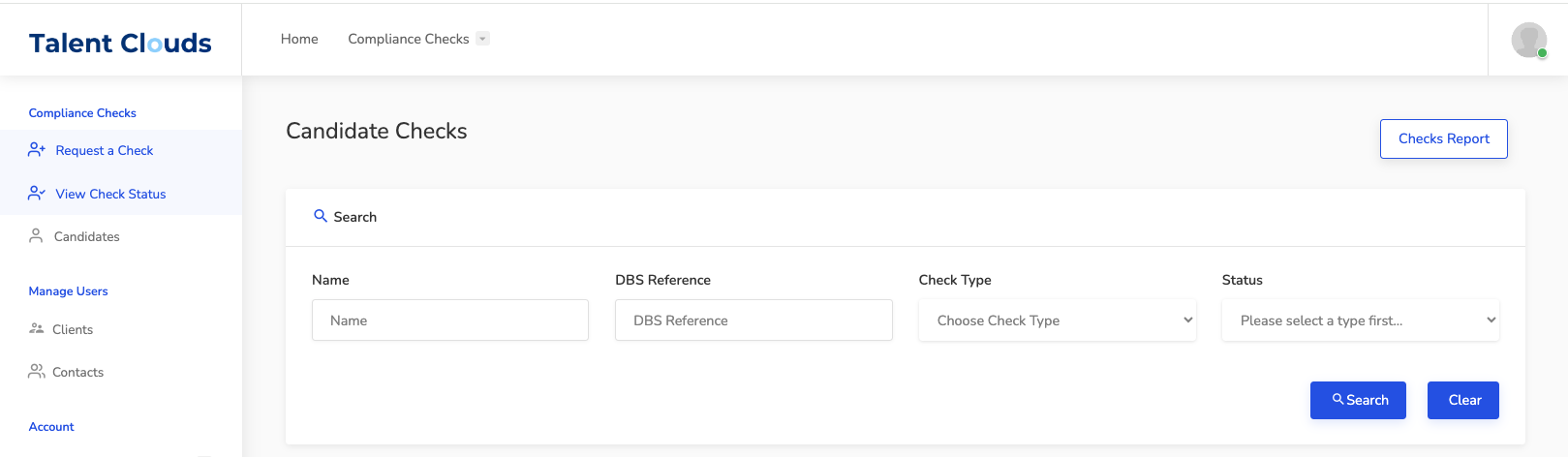
- Sign inOpen client.talentclouds.co.uk and select Request a Check from the left-hand menu.
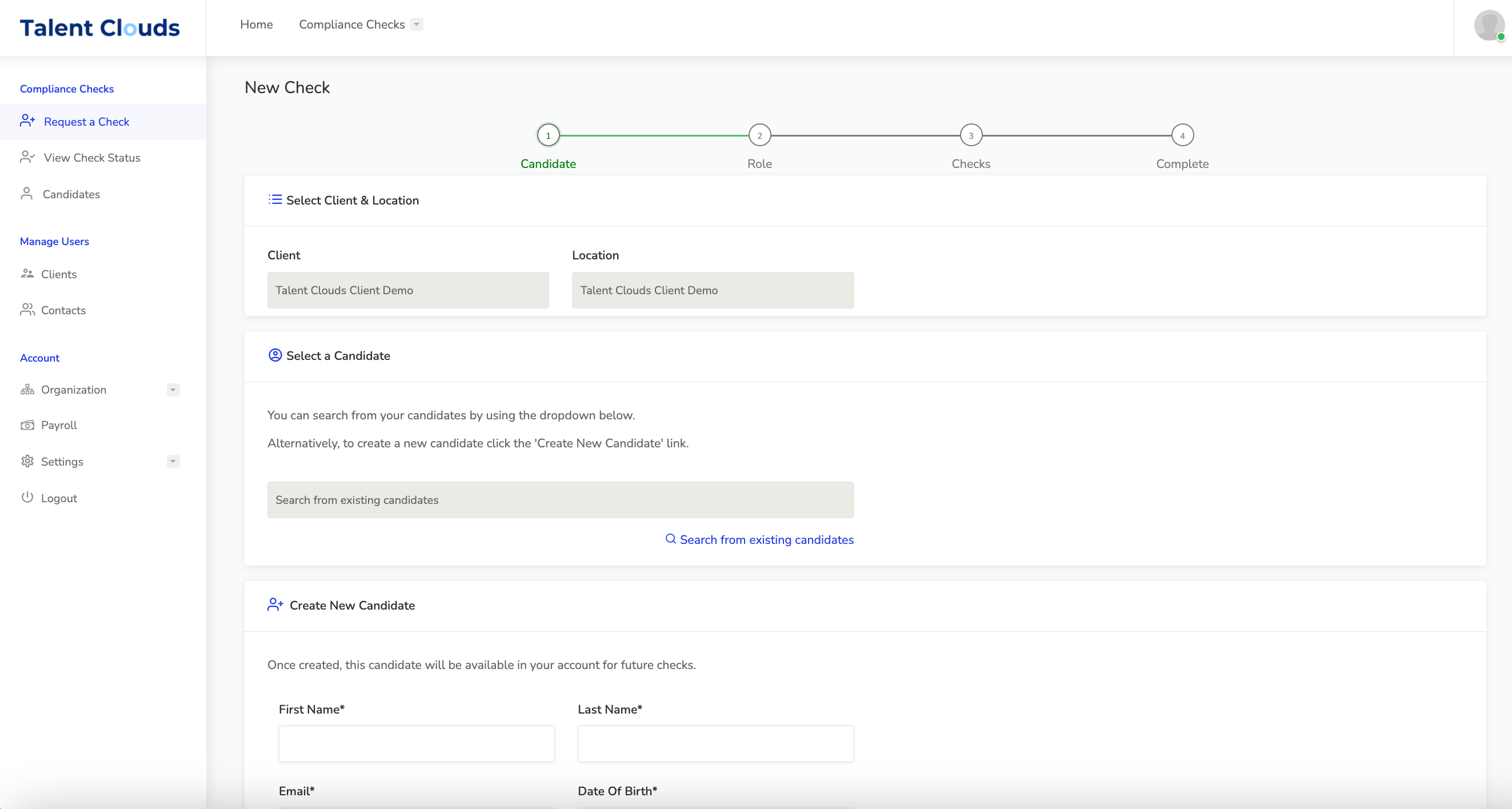
- Choose the teamSelect your team's name and location.
- Find or create the candidateSearch for an existing candidate, or choose Create a New Candidate and enter their details.
- Check their emailMake sure it is correct; this is where the application and reminders will go.
Choose the role title
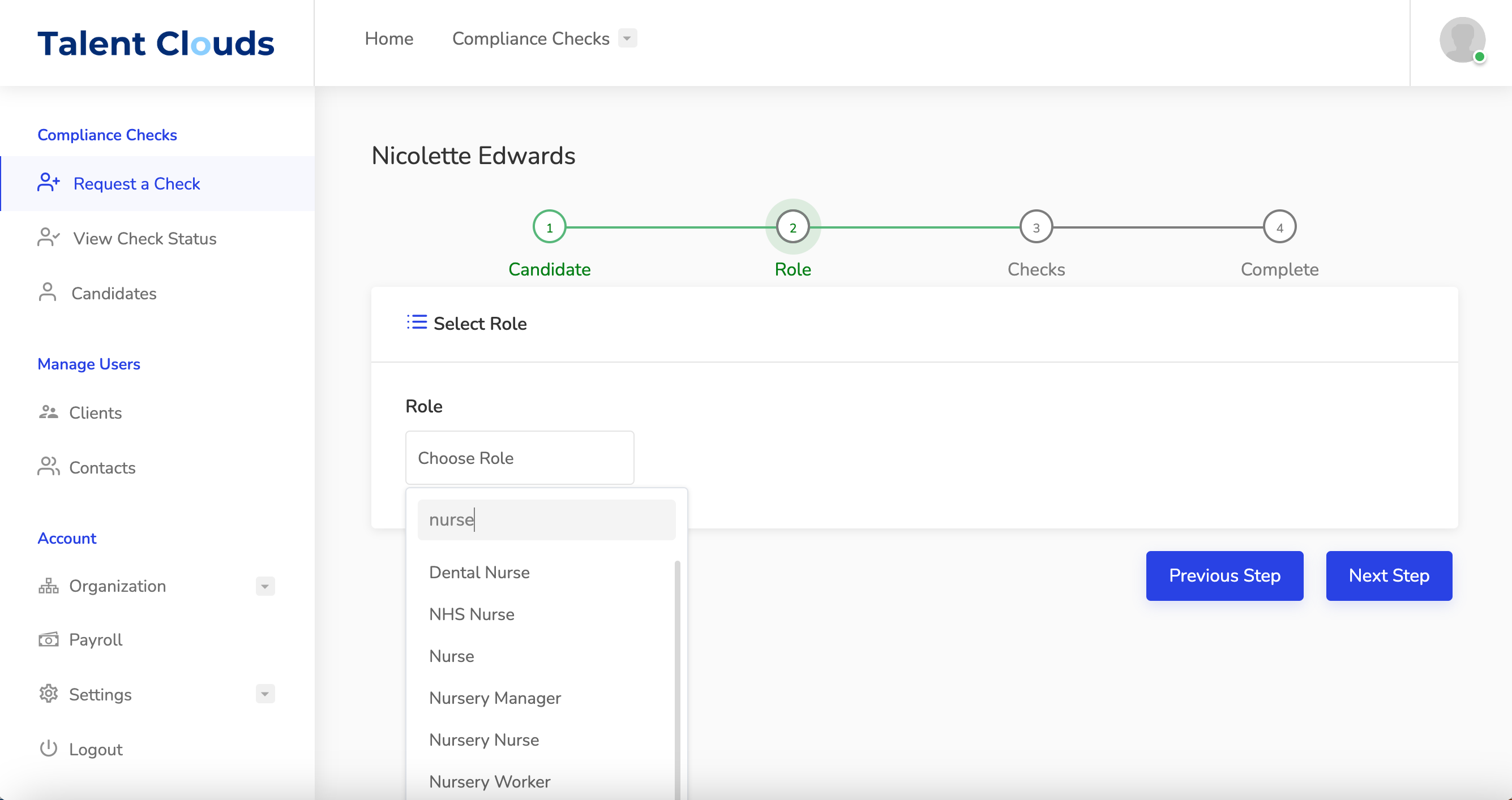
For a Basic DBS check, use Basic DBS – No Job Role Required. For Standard or Enhanced checks, the role title must help DBS understand why that check is eligible.
- Be specific. For example, Medical Receptionist gives DBS more context than Receptionist.
- Need a new title?. Ask us before submitting to prevent avoidable delays.
Choose the checks
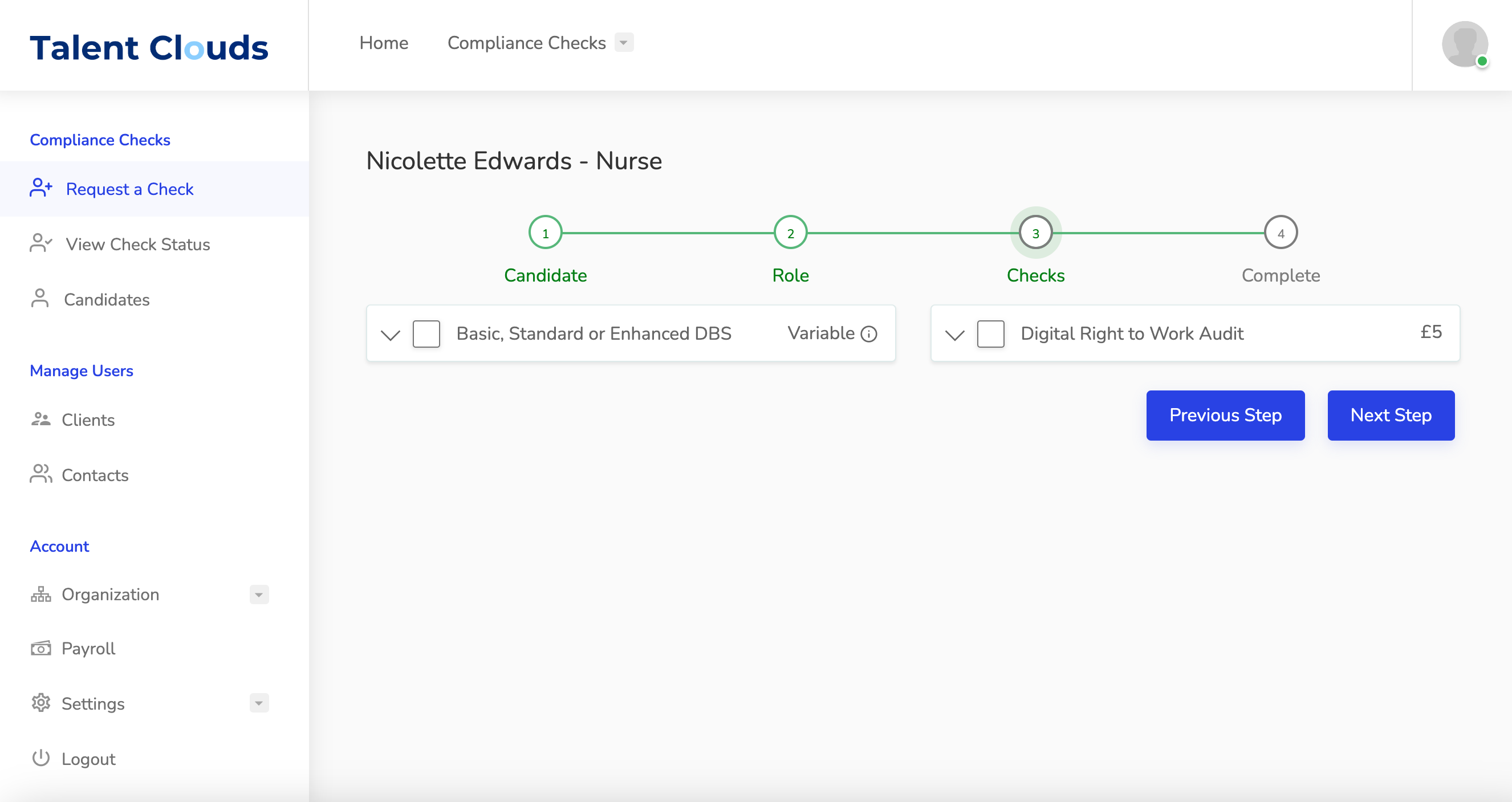
Select DBS, Right to Work, or both. Then select the DBS level, workforce, barred list, volunteer status and Section X66 answer.
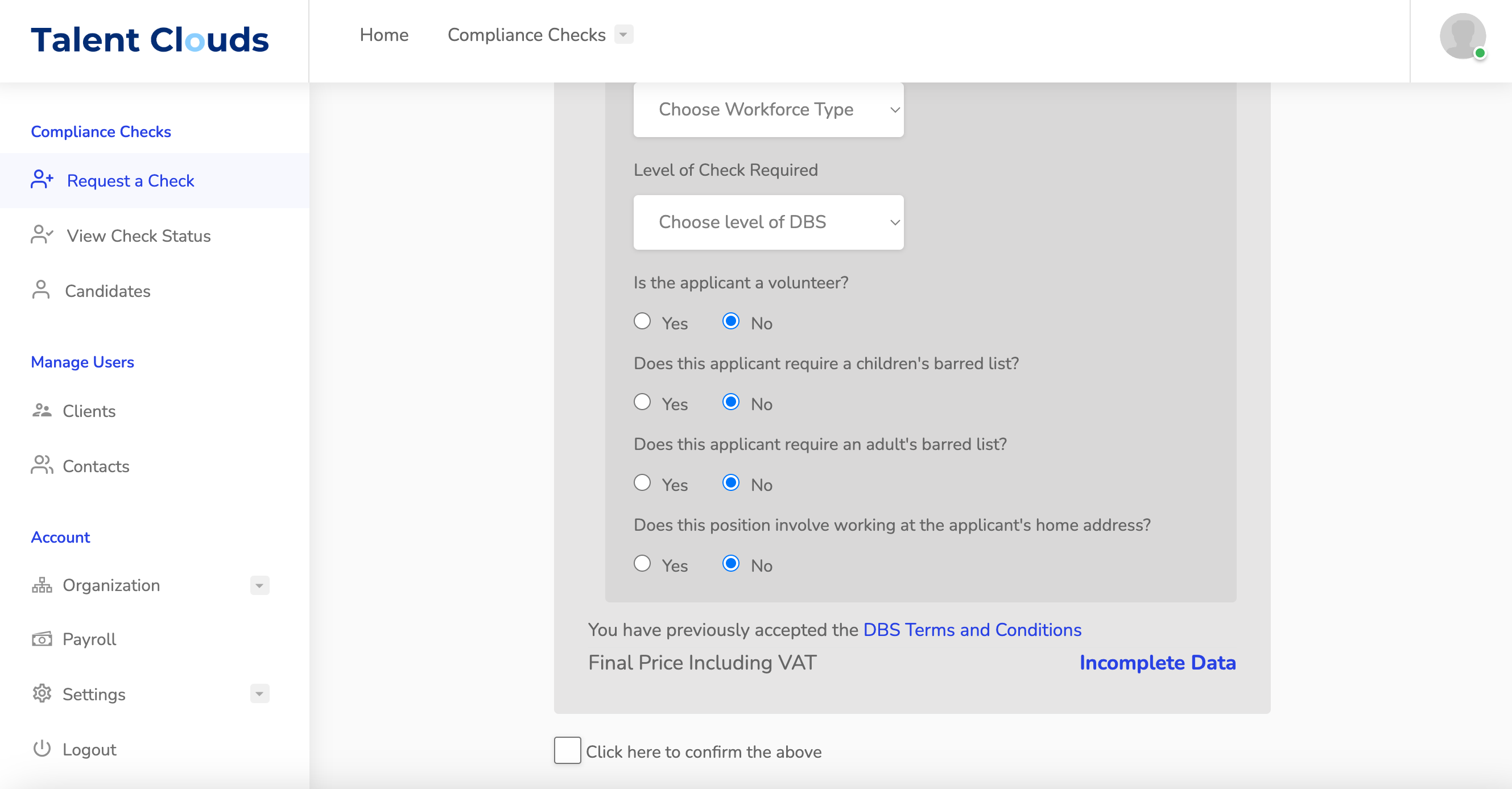
Review and send
- Read the eligibility guidancePay particular attention to barred list and volunteer eligibility.
- Select CompleteReview the request before sending it.
- Applicant receives an inviteTheir link is valid for 72 hours. Automatic reminders are sent every two days, for up to two weeks.
- Resend if neededOpen Actions beside the applicant's check and choose Resend email.
What happens next
When the applicant completes the form, the requesting admin receives an email to review it and submit it to the countersignatory.
You cannot request a DBS application for yourself. Contact us and we will help arrange it.
Ready to go?
Was this guide helpful?
Related guides
What is a DBS check and who is it for?Understand the four DBS check levels and the roles that may need them.How to submit a DBS application for countersigningReview the applicant's form, confirm identity and send it to the countersignatory.How to check progress on a DBS application as an adminFind the ENumber and open the official DBS tracking service.